
Everything your memories need
Mejo is not a folder in the cloud. It sorts photos and videos by time and place, lets you write the stories behind them and shares them with the people who were there.
Timeline & map
Find every moment again
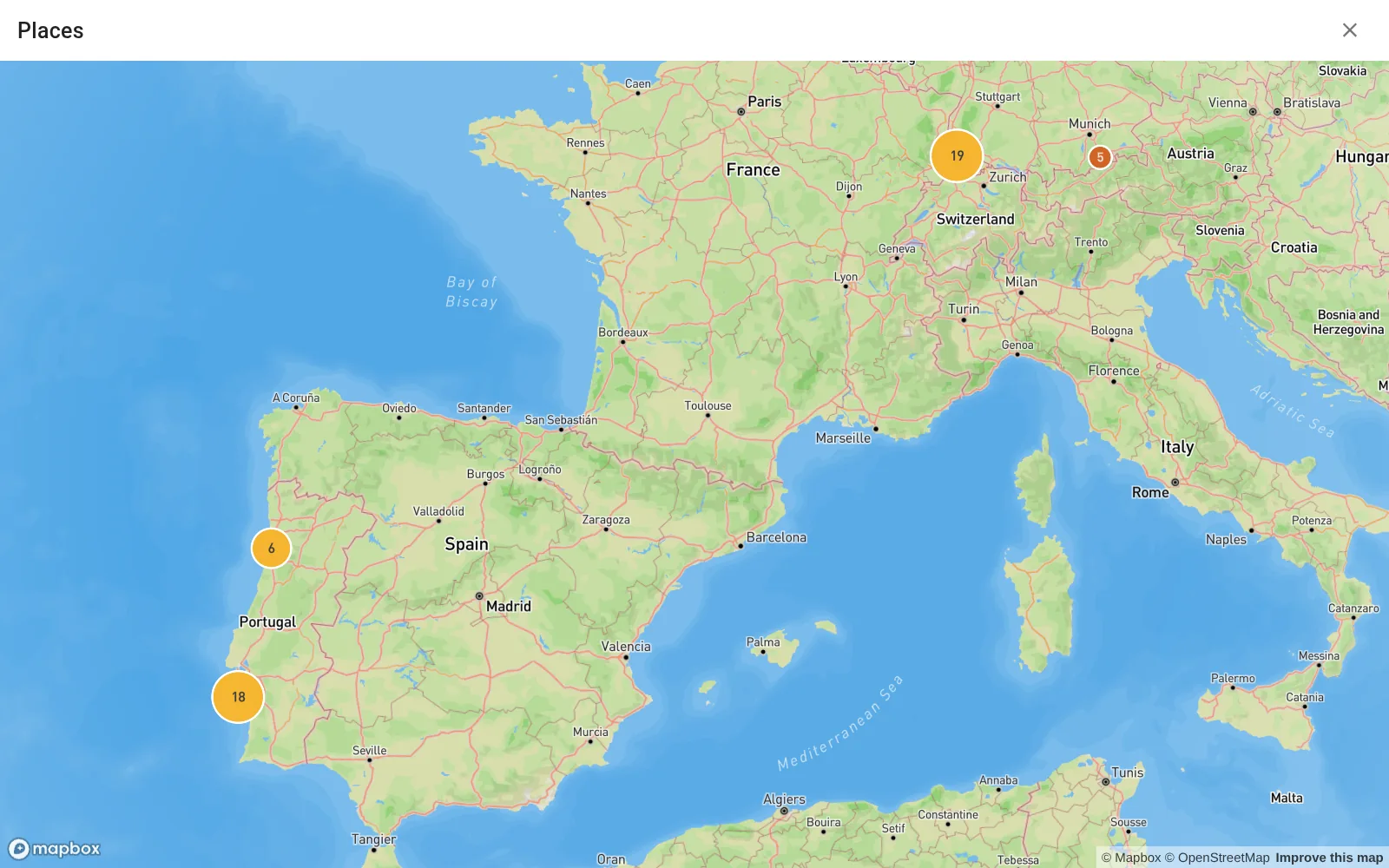
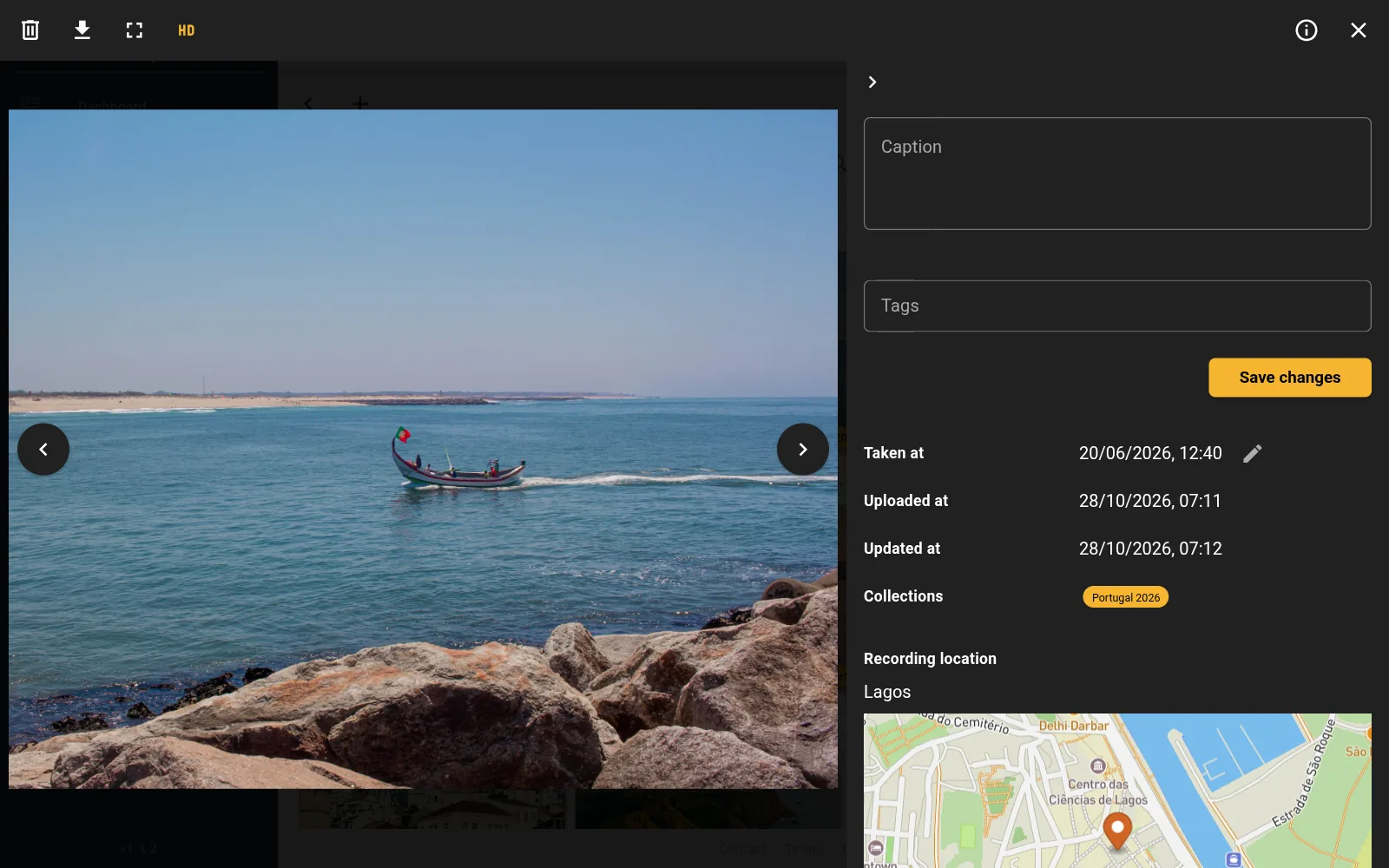
Mejo reads the date and place from your photos. The timeline shows when you took them, the map where.
- Timeline across years, months and days
- Place names instead of coordinates, taken from the GPS data
- Filter, sort and search across everything
Collections & notes
Photos become stories
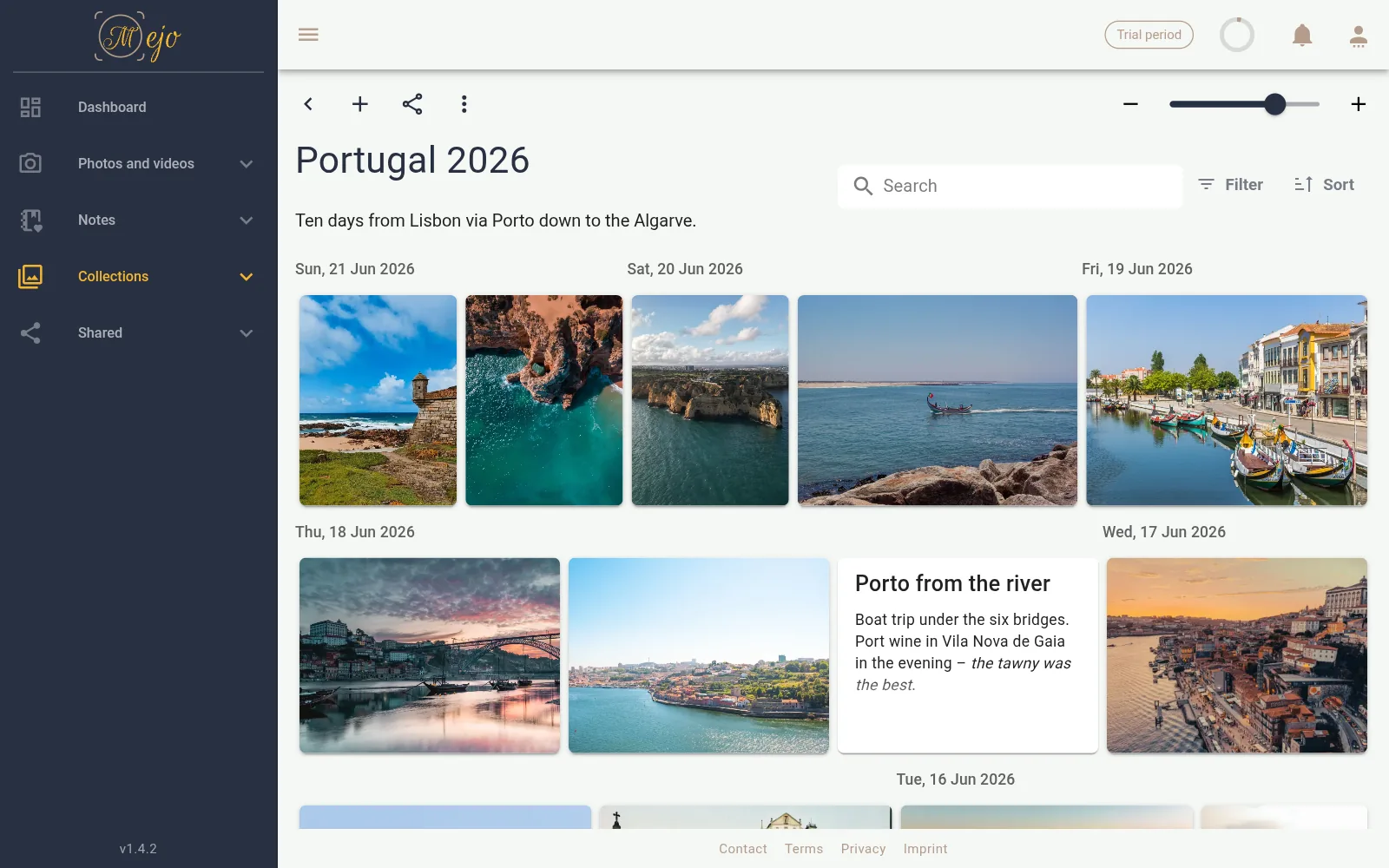
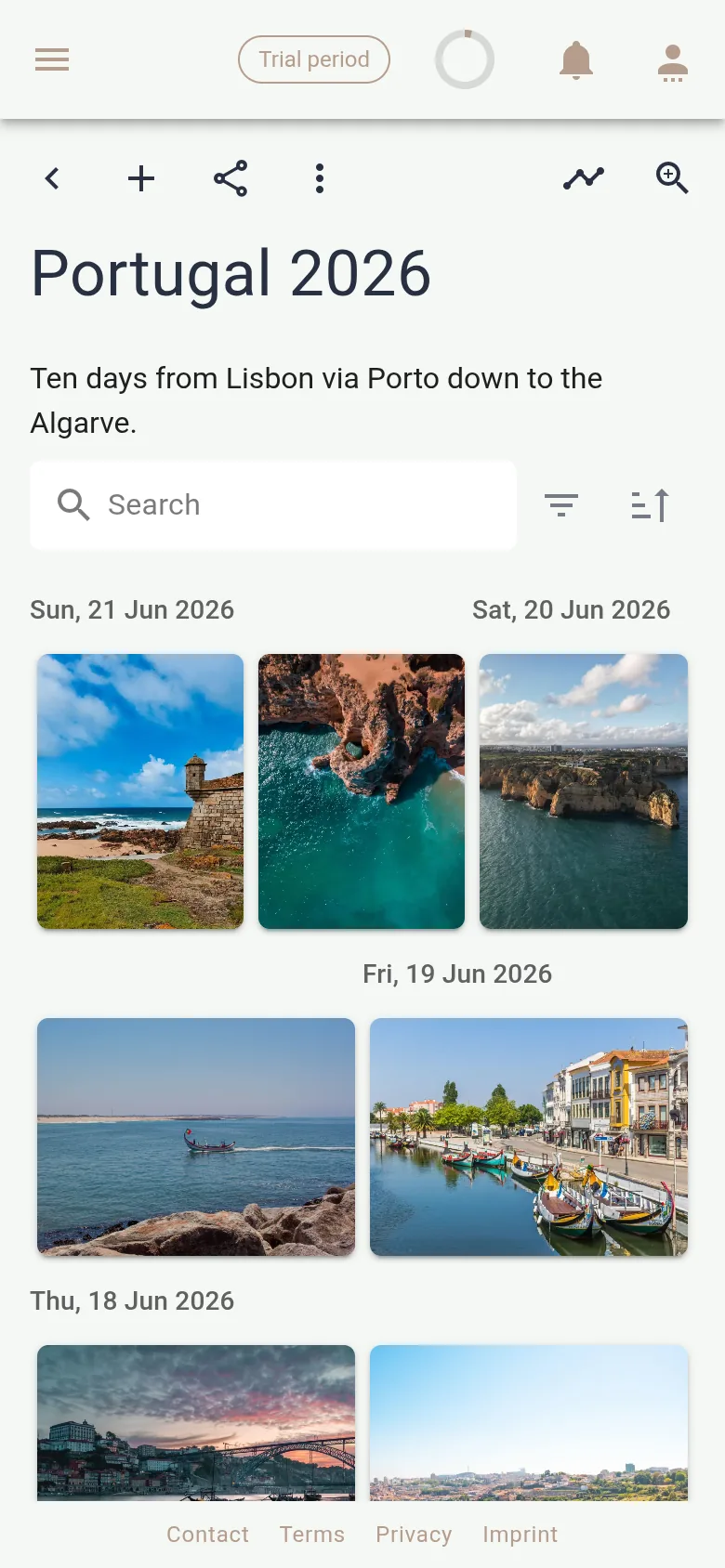
Create a collection for a trip, a celebration or a whole year. Give it a period, a place or a tag and it fills itself – including everything you upload later. Notes capture what the photo alone does not tell.
- Collections fill themselves by period, place or tag
- Formatted notes right between the pictures
- Full-screen slideshow for an evening with the family
Sharing
Share with the people who were there
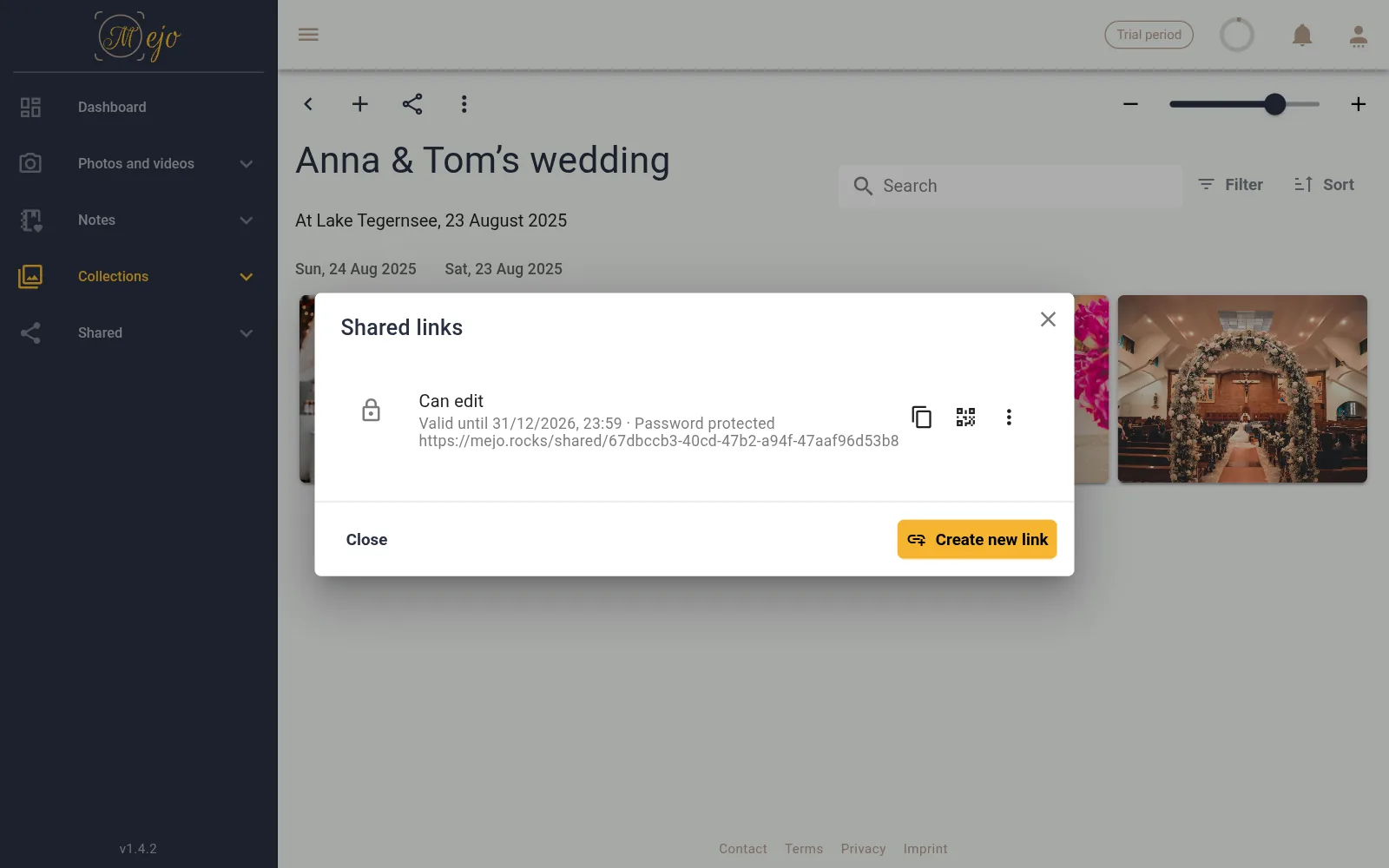
Share a collection by link or QR code. Recipients don't need an account – and if you allow it, they add their own photos, after a wedding for example.
- Password and expiry date if you want them
- Guests contribute their own photos and videos
- A QR code to print, for the place cards say
Clean-up
Only the best stays
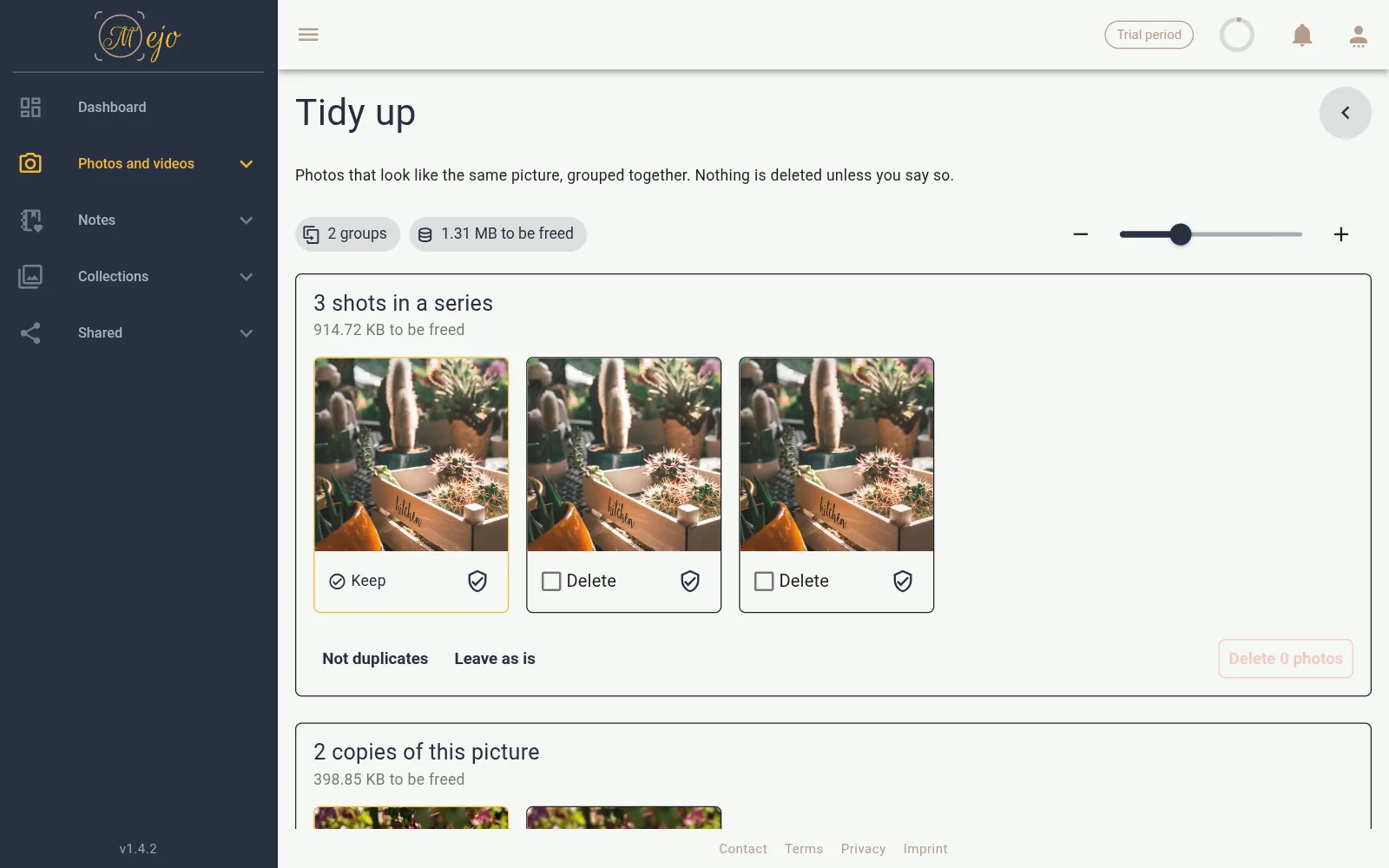
Bursts, duplicates, blurry and too dark shots: Mejo finds them and shows them to you in one place. Only what you select is deleted.
- Duplicates and near-identical shots in groups
- Blurry, shaky and too dark photos flagged
- Nothing disappears without your confirmation
Originals
Full quality, RAW and HEIC included
Mejo stores your files the way they come from camera and phone. HEIC from the iPhone, DNG from the camera, AVIF, TIFF and JPEG XL are displayed – and kept unchanged.
- Download and export always as the original
- No compression, no downscaling
- Photos and videos in one gallery
Backup & import
Your photos arrive by themselves
The Mejo app backs up new shots from your camera roll in the background – date and place are kept. What already sits in OneDrive comes over with an import.
- Automatic camera roll backup, Wi-Fi only if you like
- Import from OneDrive with progress display
- Upload straight from the browser too

Your data
Your data belongs to you
Your photos and videos are stored on servers in Germany and never leave Europe. No ads, no AI training on your photos – and you can export everything at any time.
- Servers and storage in Germany
- No ads, no AI training on your photos
- Export at any time, even without a running subscription
Mejo compared
File storage is made for documents, photo services for the phone you take pictures with. Mejo is made for memories that are meant to last – and does without some things the others do.
| Feature | File storage e.g. OneDrive, Google Drive | Photo service e.g. Google Photos, iCloud Photos | Mejo |
|---|---|---|---|
| Timeline and map of your shots | No | Yes | Yes |
| Notes and text between the photos of an album | No | Partly captions or single text blocks only | Yes |
| Sharing with password and expiry date | Partly depends on provider and plan | No | Yes |
| Guests upload to an album without an account | Partly as a file request, without an album | No | Yes |
| Find duplicate and blurry photos | No | Partly depends on provider | Yes |
| Store and view RAW and HEIC as originals | Partly stored yes, preview depends on format | Yes | Yes |
| Storage location guaranteed in Germany | No | No | Yes |
| Edit and collaborate on office documents | Yes | No | No |
| Free storage for good | Yes | Yes | No free 14-day trial |
As of October 2026. Based on what the providers publish for personal accounts; some features depend on the plan. Trademarks belong to their respective owners.
Try Mejo free for 14 days
With 1 GB of storage for your first photos. Afterwards you decide whether, and with which plan, you stay.